Open an HVAC company's website in the middle of January and you will sometimes find a cooling ad on the first screen. A family on a patio. "Beat the heat this summer." (A made-up example, not a real company.) The furnace page is on the site. It's just a couple of clicks down, behind a menu that a homeowner with a cold house has to guess their way through.
HVAC website design has to work in every season. Repair, replacement, and maintenance plans belong on the site all year. What should change when the weather turns is the emphasis on the first screen, and a small edit is usually enough. You don't need a rebuild, and you don't need two websites.
This post covers what stays on the site year-round, what to change before the next peak, how to show a maintenance plan like a real offer, where financing belongs, and which service pages are worth having. For the checklist every trade site needs, see our post on contractor website design.
Why a one-season homepage works against you
HVAC demand follows the weather. Your website gets visited in every season anyway.
A first screen that only sells "stay cool this summer" makes the person with no heat work to find the furnace page. A first screen that only sells furnaces does the same to someone whose air conditioner just quit in July. They won't always hunt. Some will go back to the search results and tap the next company.
This isn't a case for splitting your site in two. It's about emphasis. One site, with the work that matters most this month in front, and everything else still easy to reach.
What stays on the site all year
Some things don't come and go with the thermometer:
- The trade and the towns you actually serve, in words a person would use.
- A real phone link. A
tel:number that dials when tapped and isn't covered by a pop-up. - A short way to ask for a visit or an estimate. Job type, town or ZIP code, phone, and an optional photo. Be honest about when you call back, including after hours.
- Repair, replacement, and maintenance as visible paths, even when one of them is featured.
- Proof a visitor can check. License, insurance, and any technician certification you really hold (such as NATE, or whatever your state or province requires), written as text. Rules on licensing, insurance, and refrigerant handling vary by state and province, so show what your jurisdiction asks for. This isn't legal advice.
- Real photos of equipment you installed or serviced. Not stock attics.
- Your hours. And one or two honest sentences about what happens after hours, if you aren't truly 24/7. Our plumbing post goes deeper on "24/7" wording.
Those are the same bones as any contractor site. What's specific to heating and cooling is how you handle the season on top of them.
What changes when the season turns
This is the part to do before the next peak, not during it.
- The first-screen headline and the featured service can match the season that's starting: heating as winter approaches, cooling as summer approaches, tune-ups in between. Leave the other work in the menu and on the page.
- Don't hide furnace or heat-pump pages in summer, or air-conditioning pages in winter. They can sit one click off the first screen. Someone is always searching for them.
- A short seasonal note is enough. "Furnace tune-ups before the first cold stretch" does the job. You don't need a redesign every April and October.
- Check your claims against the calendar. If you only do after-hours heating repair in winter, don't leave a year-round "24/7 no-cool" line on the homepage in January or July. Google's guidelines for representing your business ask that business information be accurate, and that goes for your site too.
Who makes the small edit? You can, a Partner can, or our team can. Check what your agreement covers for changes after launch. The $599 package below isn't a monthly copywriting retainer.
| Stays all year | May change with the season |
|---|---|
| Trade, towns, phone link | First-screen headline |
| Repair, replacement, maintenance paths | The featured service |
| License, insurance, certifications | A short seasonal note |
| Real equipment photos | Which tune-up or plan you push |
| Honest hours and request form | Any seasonal hours or after-hours wording |
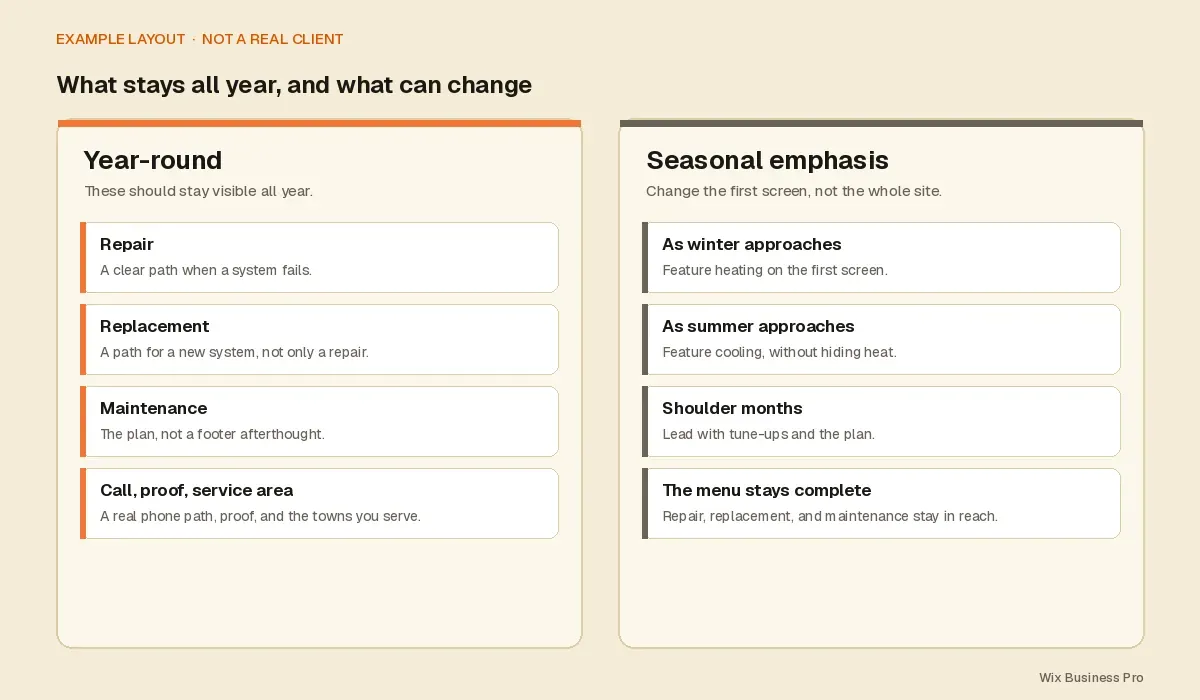
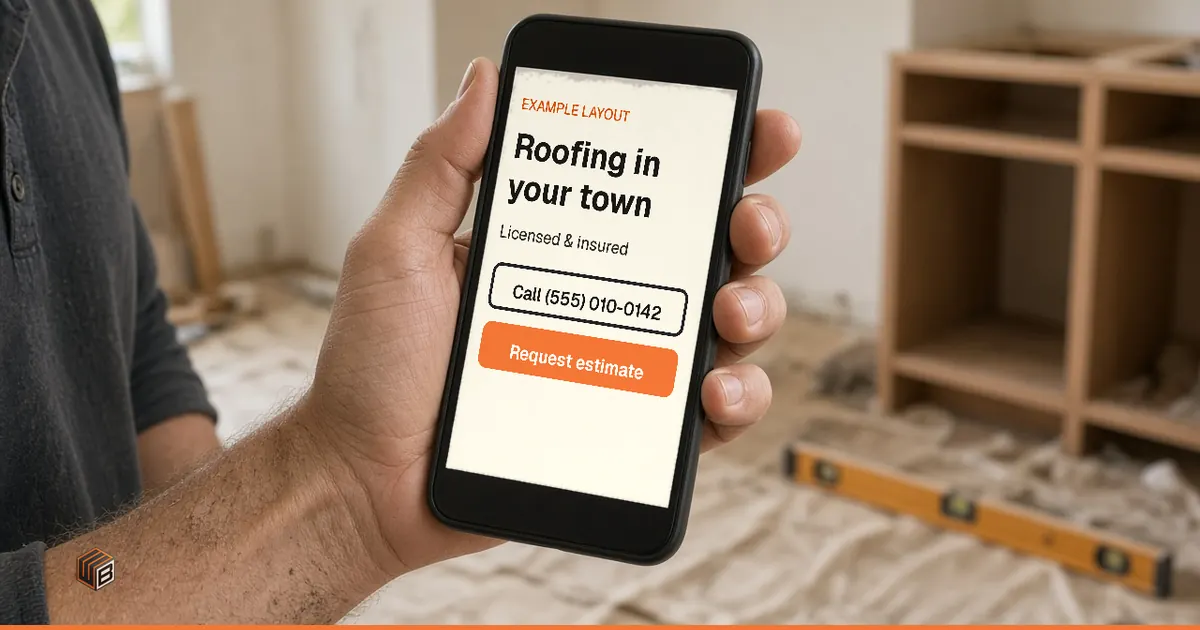
Example layout, not a real client. What stays on the site all year, versus the first-screen emphasis that can change with the season.
Showing a maintenance plan like a real offer
"Ask about our maintenance program" in the footer isn't an offer. A real offer has a name, a list of what's in it, and a way to sign up.
Give the plan its own page, or a clear block on the homepage, that says:
- How many visits the plan includes.
- What each visit covers. For example, a spring cooling check and a fall heating check, if that's what you do.
- Member perks you actually give. Priority scheduling, a waived diagnostic fee, a repair discount. Only if they're true.
- How to request enrollment or a first visit.
On price, do one of two things. If you publish it, keep it current and say it can change. If you don't, say the plan is described on the page and you'll quote the price before anyone enrolls. Skip any "pays for itself" math you can't back up.
A website form isn't the same as a payment system. An estimate form collects details and passes them to you; if you want people to enroll or pay online, that's a separate tool you set up on purpose.
For context, ENERGY STAR's heating and cooling guidance tells homeowners to check the air filter every month and change it if it's dirty (at a minimum every three months), and to get a yearly tune-up. That's useful background for what a visit might cover. It isn't a sales pitch for a paid plan, so don't write it as one.
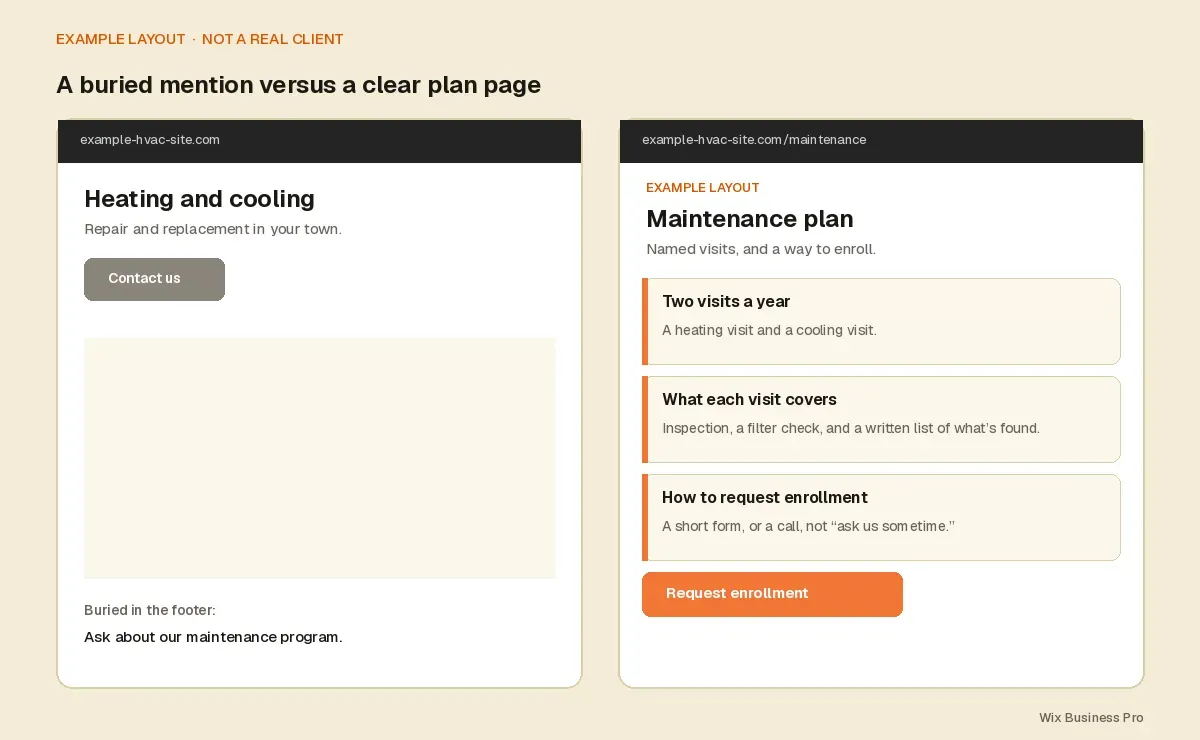
Example layout, not a real client. A buried footer mention versus a clear plan page with visits and a way to request enrollment.
Where financing belongs, and what not to invent
Replacing a system is a bigger decision than a repair visit. The replacement page is where financing goes, but only if you really offer it.
If you work with a named lender, say so on that page and give a way to start an application or ask about one. If you don't, skip the financing section. Don't add one for decoration.
Don't publish monthly payments, APRs, or "as low as" figures unless they come from your own current lender terms. A monthly number on a website reads like a quote to a lot of people, and it isn't one.
Rebates and tax credits work the same way. Whether they apply depends on the equipment, the home, and the current program, and the dollar amounts change. Say that, and point readers to an official page. For US federal clean-energy credits, that's the IRS page on the Residential Clean Energy Credit. This isn't tax advice, and it isn't a financing offer from us.
What the replacement page can do well is explain what happens before a quote. ENERGY STAR's tips for hiring a heating and cooling contractor tell homeowners to expect a home evaluation and to get written, itemized estimates. If that's how you work, say so in plain words.
Which service pages are worth having
A single "Services" page that lists everything is weaker than separate pages named for the work people search for. Build only the pages for jobs you really sell:
- Heating repair and replacement. Use the systems you actually service: furnace, boiler, heat pump.
- Air-conditioning repair and replacement.
- Heat pumps, only if that's a distinct offer and the heating and cooling pages don't already cover it clearly.
- Maintenance or membership.
- Indoor air quality, ducts, or commercial work, only if you really sell them.
Each page should say what the job involves, where you do it, show a photo if you have one, and offer the next step: call, request a visit, or ask about a plan. A page for every town is a local-search question, not a design one. Our guide to local SEO for contractors covers when that helps and when it hurts.
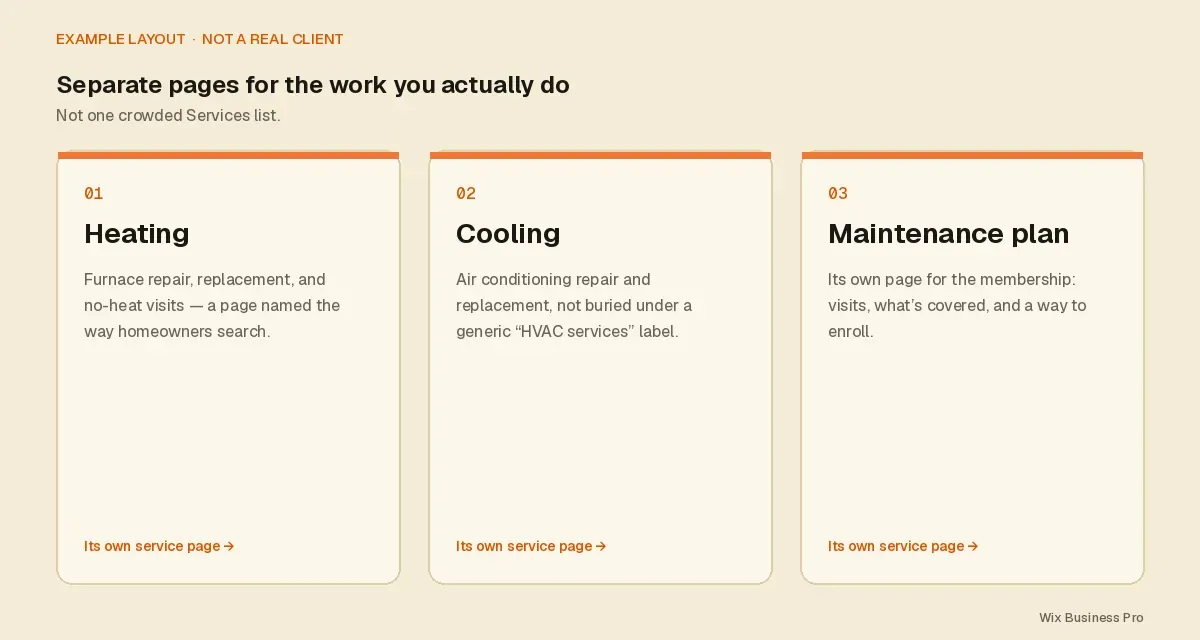
Example layout, not a real client. Separate pages for heating, cooling, and a maintenance plan, not one crowded Services list.
If you'd like this built for you, our Smart Website for contractors names HVAC pros among the trades it's made for. Per the live offer page, checked November 26, 2026: $599 paid in full, or 2 payments of $349 ($698 total). It's ready one week after we receive your completed onboarding form. The first year of hosting is included, then $250 a year for eligible custom-coded sites, only if you authorize it. Foundational SEO is included as a starting point, not a ranking promise. Ongoing SEO is optional and billed separately (Contractor Local $95/month, Contractor Growth $180/month). Ad campaigns and ad spend aren't included. All amounts are in US dollars. If you need a broader site than that package, see our web design services. The package's assistant doesn't answer phone calls, send missed-call texts, or book a time slot you haven't approved. Wondering whether Wix is serious enough for this? Our post on Wix for contractors covers when it fits and when it doesn't.
If your HVAC site is still selling last season
Four checks, then you're done:
- Read the first screen as if it were the opposite season. Would the main offer still make sense?
- Can a visitor reach repair, replacement, and the maintenance plan without hunting?
- Is every "24/7," financing, rebate, or membership claim still true?
- If one small first-screen edit fixes it, make that edit before the next peak. Don't wait for a redesign.
Your site doesn't need to be rebuilt every time the weather changes. It needs to lead with the right work this month and keep the rest in easy reach.
An HVAC site that can sell a spring tune-up and a January repair without a rebuild
Look through the demo and the full terms first. Websites and SEO since 2013. Wix Partner since 2018. Meet the team behind it.
See the Smart Website for HVAC and other trades · Questions first? Send us a message.
Sources
Reviewed on November 26, 2026. Package details come from our live offer page that day; prices can change.
- ENERGY STAR: Heat & Cool Efficiently (air filter checks, yearly tune-up) and 10 tips for hiring a heating and cooling contractor (home evaluation, written estimates).
- IRS: Residential Clean Energy Credit. No dollar amounts quoted.
- Google Business Profile Help: Guidelines for representing your business on Google.
- Wix Business Pro: Smart Websites for Contractors. Package, prices, hosting, and product limits. Costs over three years: contractor website cost guide.
Questions HVAC owners ask about their websites
Should I hide furnace pages in the summer, or air-conditioning pages in the winter?
No. Move them one click off the first screen if you like, but keep them live. People search for them in every season, and the off-season work is still work.
How often should the homepage change?
When the season's emphasis changes, usually a couple of times a year. A new headline and a different featured service are enough. A full redesign each season isn't needed.
Can I publish a membership price if it might change later?
Yes. Keep it current and say it can change. If you'd rather not publish one, say the price is quoted before anyone enrolls.
Where should financing go if I work with a lender?
On the replacement page, with the lender's name and a way to ask or apply. If you don't offer financing, leave it off, and don't post "as low as" payments you can't stand behind.
Do I need two websites, one for heating and one for cooling?
No. One site with separate heating, cooling, and maintenance pages is easier for visitors, and easier for you to keep accurate.
Should I put rebate or tax-credit dollar amounts on the site?
Better not. Amounts and eligibility change, and they depend on the equipment and the home. Say they may apply and link the official page, such as the IRS credit page. This isn't tax advice.
What does an HVAC website cost with you?
Our Smart Website for contractors is $599 paid in full, per our live offer page on November 26, 2026. For other ways to build one, see our contractor website cost guide.